THE MEANS TO BUILD

PROTOTYPE X / VIRTUAL WORKBENCH

Make an idea work.

Place. Connect. Explore.

LAB PREVIEW

YOUR IDEAS. YOUR LAB.

Build something, one step at a time.

  1. 1
    Pick your building blocks

    Add a kit, then mix in extra parts. Everything stays in one build.

  2. 2
    Connect two ports

    Click a port, then a highlighted suggestion. Click any wire to select or remove it.

  3. 3
    Try it and see

    Run the model and change a sensor value. Save your build or add its parts to your cart.

New here? The light-sensing example is ready to try. Supported models have ports; other items help plan your layout and shopping list.

Ready to explore
80%

Drag components · click two ports to connect Drag the empty bench to pan
ESP32DEV 1 · 3V3 → BH1750 1 · VCCESP32DEV 1 · GND → BH1750 1 · GNDESP32DEV 1 · SDA → BH1750 1 · SDAESP32DEV 1 · SCL → BH1750 1 · SCLESP32DEV 1 · 3V3 → OLED096 1 · VCCESP32DEV 1 · GND → OLED096 1 · GNDESP32DEV 1 · SDA → OLED096 1 · SDAESP32DEV 1 · SCL → OLED096 1 · SCL
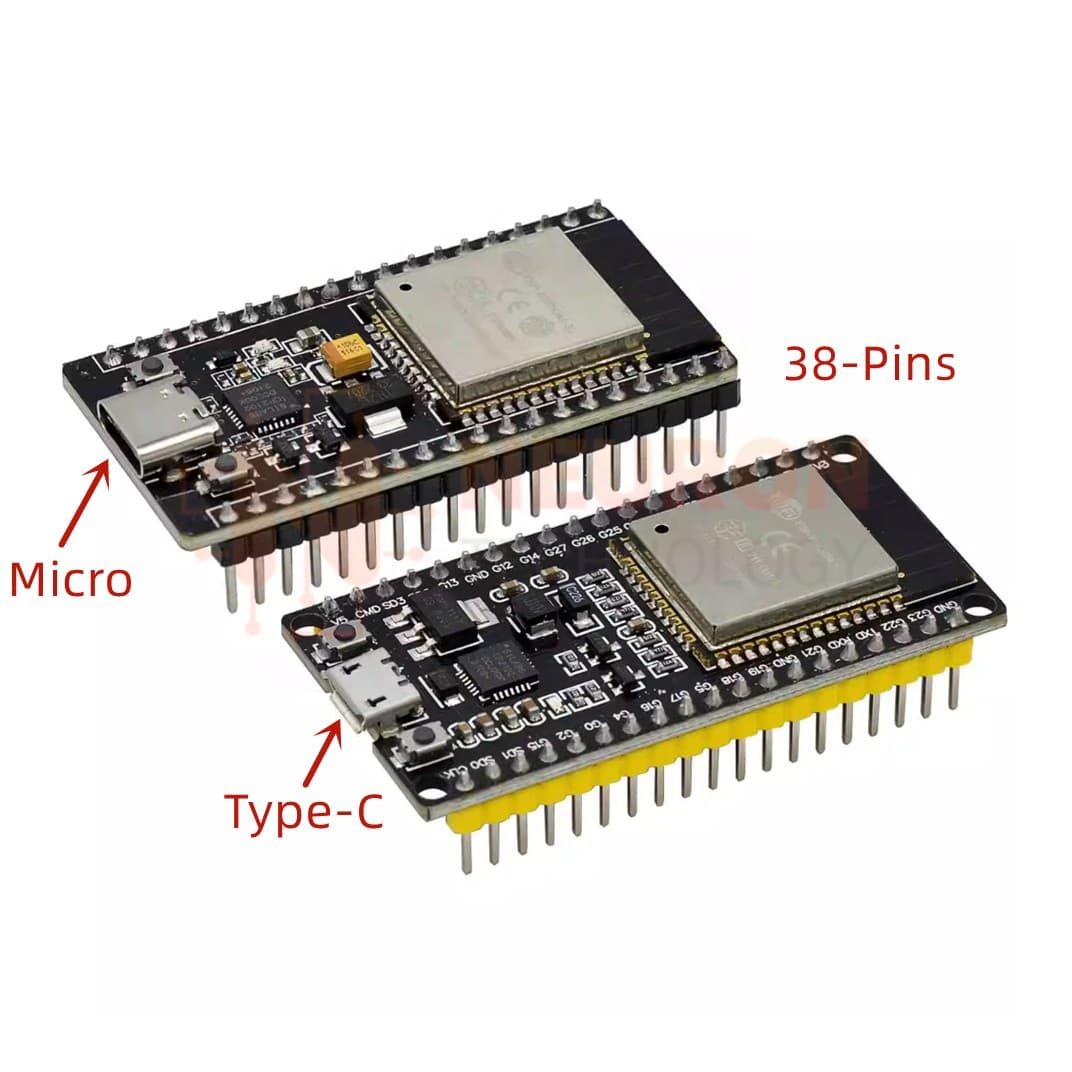
ESP32 DevKitC · 38 pins · CP2102
ESP32 DevKitC · 38 pins · CP2102Simulation paused

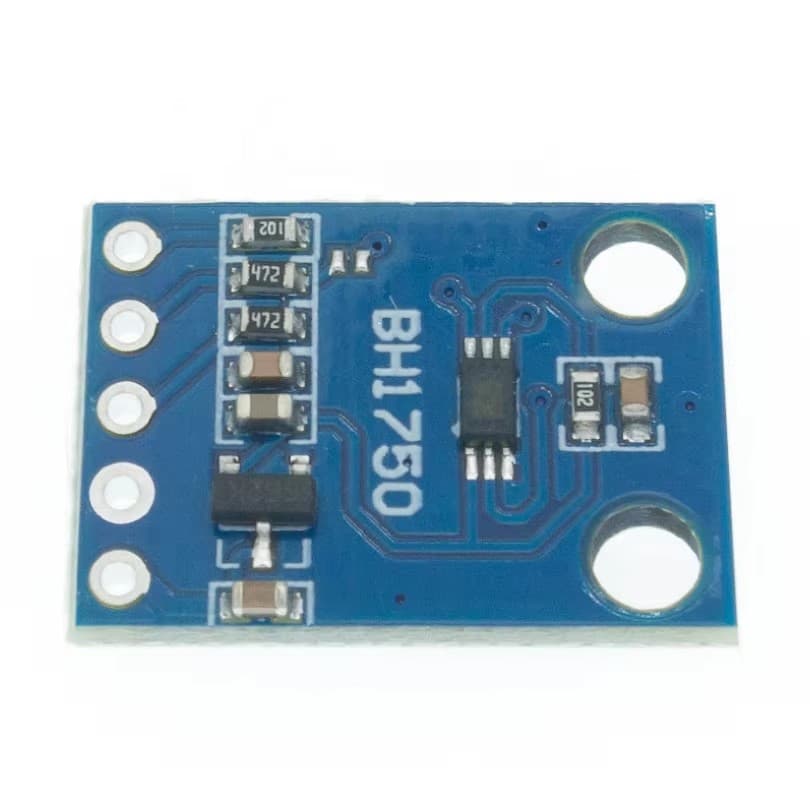
GY-302 BH1750 light sensor
GY-302 BH1750 light sensorSimulation paused
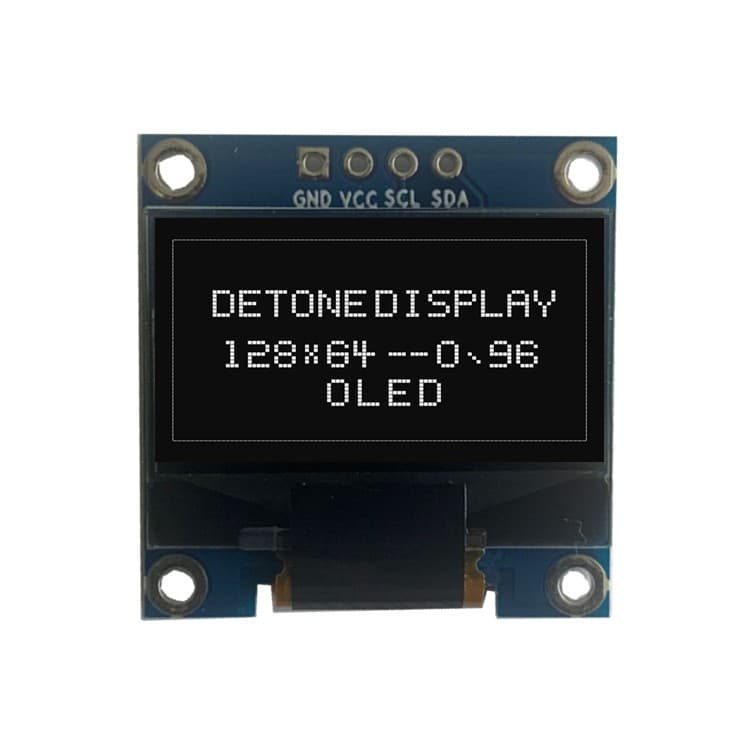
0.96-inch I²C OLED · 128 × 64
0.96-inch I²C OLED · 128 × 64Simulation paused

Click a wire to select it. Crossings are not connections. Escape clears your selection.

Connect using a form
→
Sign in to save across devices →

Functional, approximate 2D models—not manufacturing CAD or a full circuit/physics solver. Port locations are schematic. Virtual USB is an ideal supply; current, heating, firmware, timing, mechanical fit and unmodeled parts are not validated. Check the real pinout, supply, level shifting and mounting before assembly.